Close the app.
Not the work.
Keep sessions running between visits. Save a setup to reuse the layout.
CloseYour sessionstill runningReopen
Persistent sessions The native Mac terminal for persistent sessions, coding agents, and work across machines.
Free & open source · Apple silicon · macOS 15+
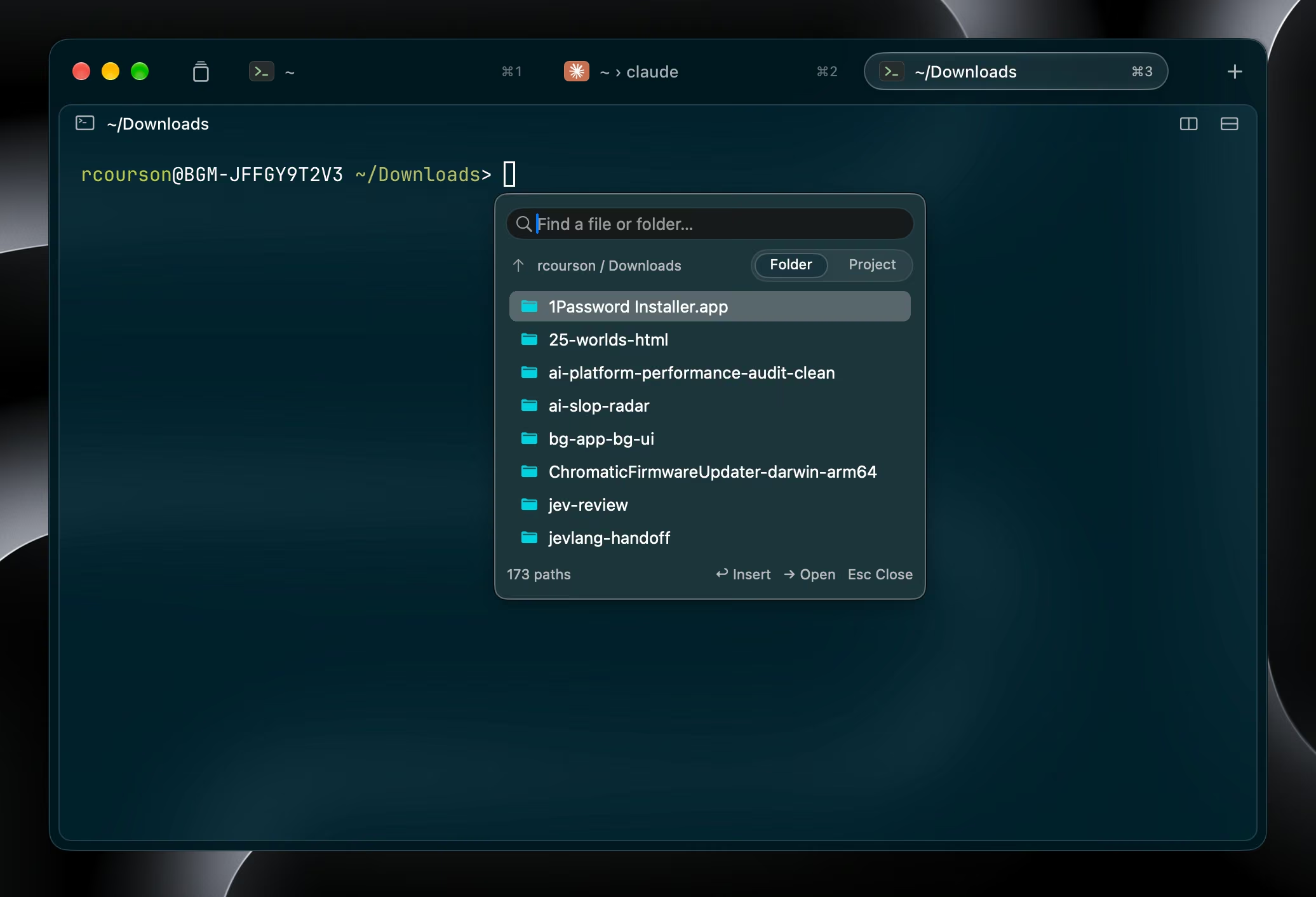
Keep sessions running between visits. Save a setup to reuse the layout.
See activity across hosts and jump to the exact pane that needs you.
Work on a remote Mac or Linux server through the SSH setup you already use.
Remote sessionsOpen splits, run tasks, and capture output with the built-in CLI.
harness-cli run --split right --wait -- make testTabs and splits, without the extra controls. Unpinned sessions close on a clean quit by default.
A quiet interface. Sessions that keep running when you quit the app.
A built-in multiplexer with a command prefix, copy mode, and paste buffers.
Persistent workspaces with agent status and notifications up front.
Native Swift + Metal. 514 built-in themes. Make it yours
No. Use Harness as your everyday terminal. Agent status and notifications are there when you need them. Agent setup
By default, yes. Your quit setting and session pins decide. The daemon and host must stay running. How persistence works
Yes. Run the daemon and CLI on your server, then connect from the Mac app over SSH. Connect a remote host